A New and Simple Way to Handle eLearning Equivalences
New features of Innovation Pack 14.22
The latest IP 14.22 release introduces several key enhancements across imc Learning Suite, focusing on improved content management and learner experience. A major feature is the "Manage eLearning Equivalences" functionality, allowing administrators to define relationships between courses and mark them as equivalent, ensuring learners don’t have to retake similar content. Additional improvements include enhanced media consumption reports for Channels, automatic subscription features, and updates to xAPI media content without affecting learners’ progress. These changes provide greater flexibility for administrators while streamlining learners’ journeys.
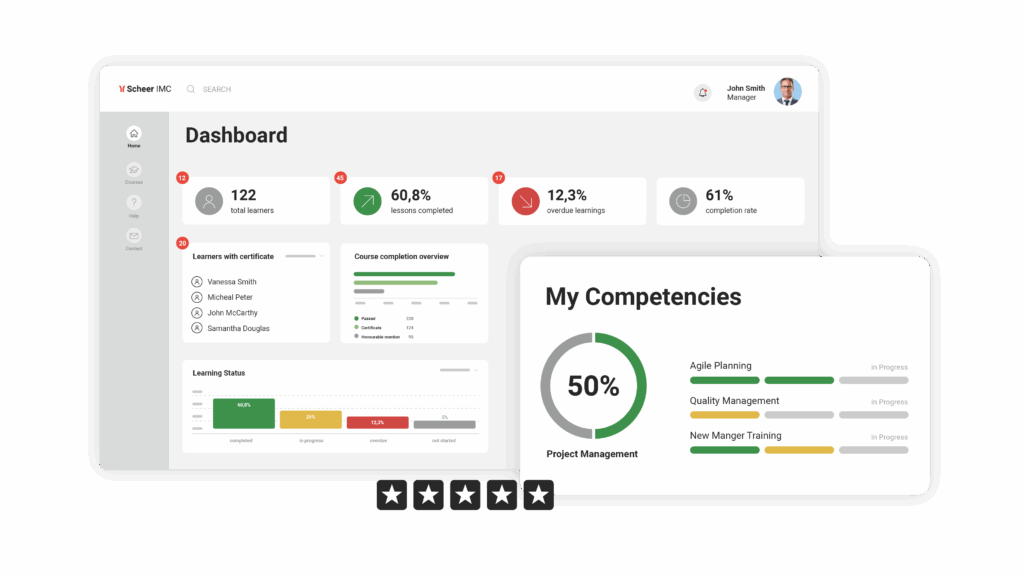
Here's what's new in the Scheer IMC Product Portfolio

To view this video, you need to enable marketing cookies. Click the play button to accept them. You can find more information in our cookie banner and in the privacy policy.
The update also brings improvements in third-party content integration, such as adding metadata for course tiles and automating setup processes for providers like Udemy and Pluralsight. Course creation via the ECC tool has been enhanced, allowing learning coaches and facilitators to add tests and feedback forms. Further refinements include performance optimisations, an option to bypass the cancellation approval process for certain learner groups, and a redesign of the user syllabus page and course room layout for a more intuitive and visually appealing experience.

Manage equivalent courses and course templates
The Manage Equivalences feature in the imc Learning Suite allows administrators to define relationships between courses, marking them as equivalent. This functionality ensures that learners who have completed an equivalent course do not need to retake the content but can choose to do so if they wish. Equivalences can also be defined between courses that are part of a combination (e.g., Course C = Course A + B), allowing flexibility in course assignments. The system supports bidirectional and multiple equivalence relations, meaning that completing one course can automatically credit learners for others. This also applies to course templates, so new relationships don't have to be established each time a course is created from the template.
Equivalences affect all related processes in the imc Learning Suite, such as prerequisites and learning paths. A new "Covered" flag is introduced to distinguish between courses that are completed via equivalence and those passed directly. Administrators can create three types of equivalence relations: those that trigger the completion of other courses, those triggered by course completion, and mutual equivalence, where both courses cover each other. Import and export options are available for equivalence rules created at the course level.
he main benefit of this feature is that it enables learners to avoid redundant training, streamlining their learning journey by recognising previously completed courses. Configuration is straightforward, requiring administrators to enable equivalences in the system settings.

Media consumption report for Channels
The Media consumption report for Channels enables Channel administrators to monitor the popularity of media items and track how frequently they are accessed. This tool provides insight into media engagement within specific Channels, helping administrators to understand which content resonates with their audience.
The report helps administrators assess the relevance of the media by showing how effectively the information is reaching the target group, identifying the most relevant topics, and evaluating the best-performing media types. By using this data, administrators can make informed decisions on future media content and its distribution.
To access the report, the Channel must have an active license, and the administrator needs View access control levels (ACLs) for both the Channel and the media consumption report. The report is typically added under the Activities category by default, with media names displayed in the administrative language of the latest version. The report only shows data from when it was implemented, with no previous events captured, and it does not support paging or sorting of numerical data.

Automatic subscription to Channels
The Automatic Subscription feature allows administrators to assign individual users, groups, or entire clients to Channels, ensuring they are automatically subscribed. This eliminates the need for manual subscriptions and streamlines communication within the Channel.
Users can cancel their subscriptions, but automatic re-subscription is not possible. If a group is assigned to automatic subscription, any new members added to the group will also be subscribed. However, removing a group or individual from the subscription list will not automatically unsubscribe them from the Channel. Additionally, if a Channel is unpublished but later made live, all assigned users will be automatically subscribed.
This feature is particularly useful for Channels like a News Channel where it is crucial that all relevant people receive updates. It ensures that everyone subscribed to the Channel will be informed through a notification from the Learning Management System (LMS), keeping them up to date with important information.

Integrating Meazure Learning for proctoring
The integration of Meazure Learning enables learners to take securely proctored exams directly within the imc Learning Suite, combining safety with flexibility. This ensures high exam integrity while allowing learners the convenience of completing their assessments from any location.
As a leading provider in the proctoring industry, Meazure Learning offers the highly reliable Record+ service for supervised exams. By acquiring Examity, Meazure Learning merges cutting-edge technology with years of experience to guarantee maximum security and compliance during examinations.
Automated monitoring significantly reduces the need for manual supervision, saving educational institutions and companies valuable time and resources.