Simplified Dashboard Creations, Interactive eLearning, and much more...
New features of Innovation Pack 14.28
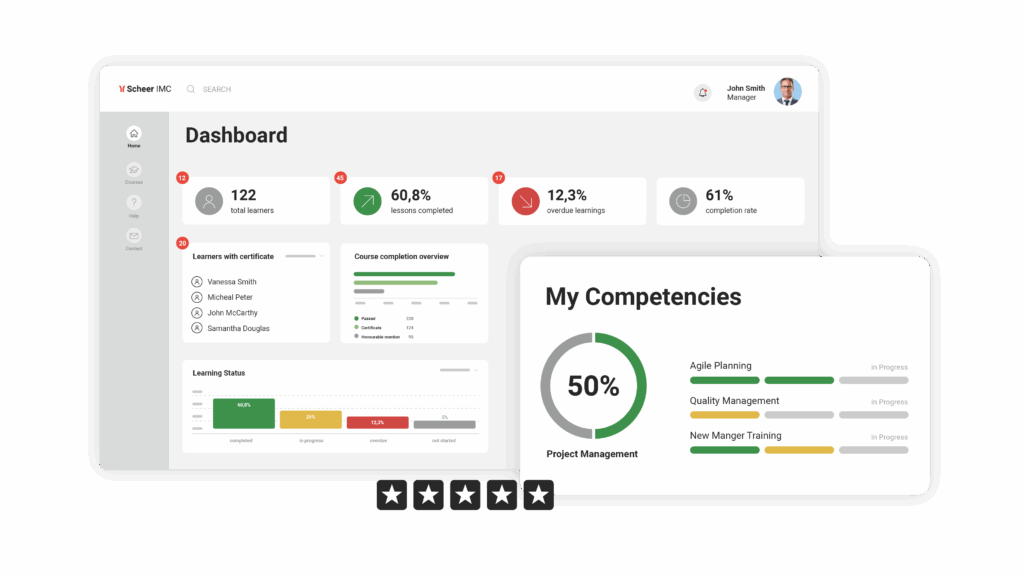
With the first quarter of 2026 already in the rearview mirror, we at Scheer IMC have been hard at work to improve your enterprise learning management system (LMS) experience. This time, with imc Learning Suite 14.28, we’ve focused on enhancing the experience of both admins and learners across our enterprise LMS platform, with several improvements like improved interactive eLearning that immediately stands out from the list of wider impactful changes we’ve published here.
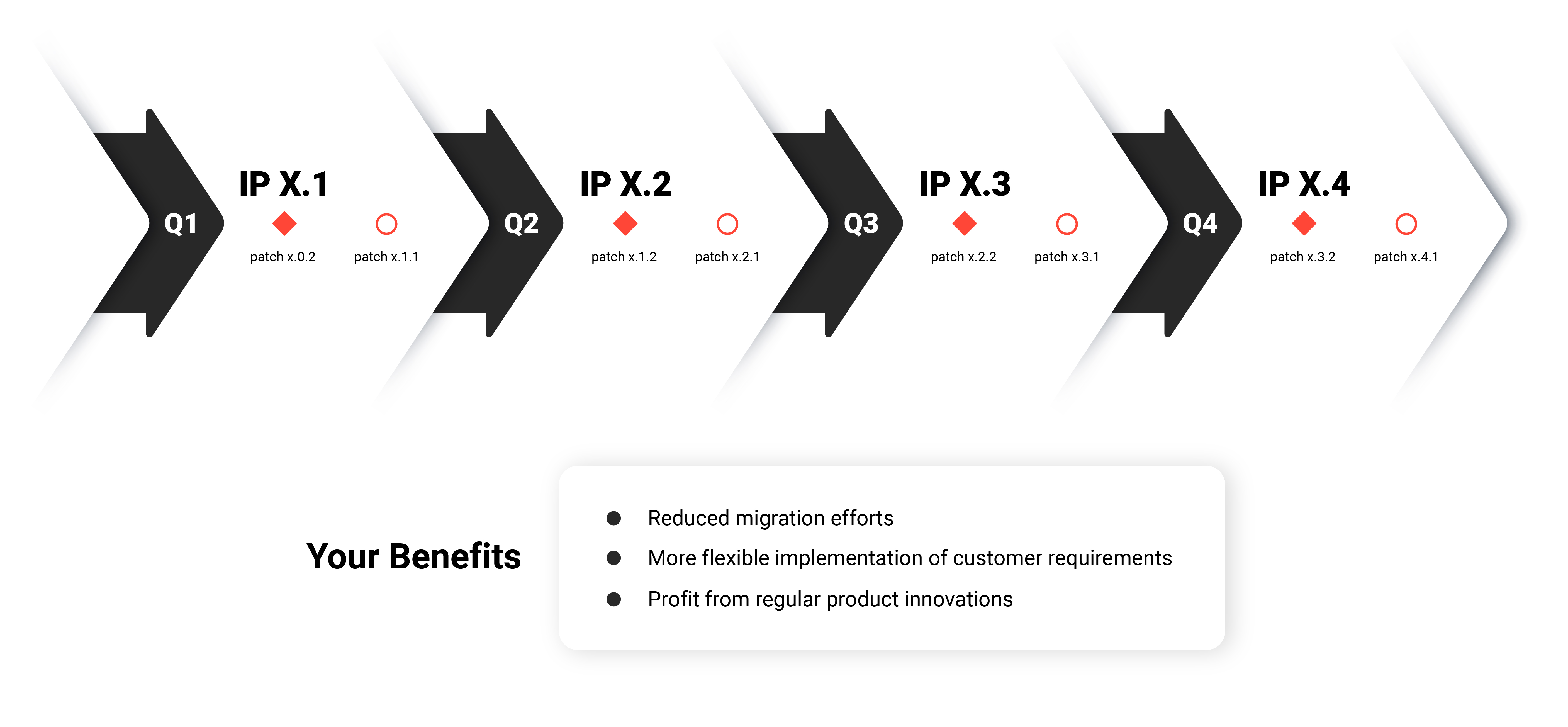
As always, these highlights represent just a small portion of the updates included in this Innovation Pack. From easier LMS dashboard creation and expanded visual learning features to core system enhancements, each update is designed to improve usability, strengthen corporate training processes, and enable organisations to get more value from their digital learning platform.
Here's what's new in the Scheer IMC Product Portfolio
All new page editor for your LMS dashboards
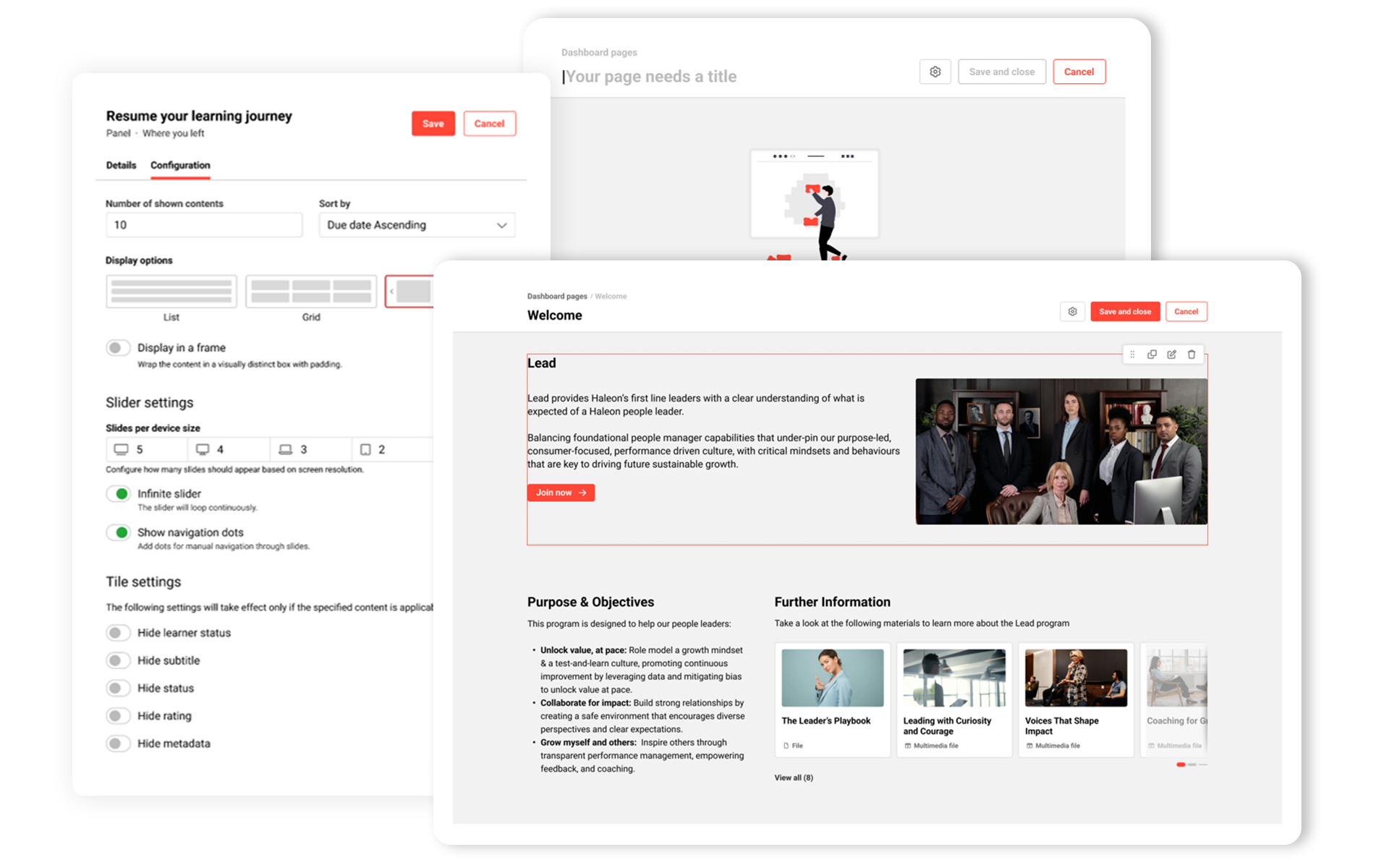
Modern enterprise learning management systems need to empower learners by providing fast, clear access to their learning progress and insights. With Innovation Pack 14.28, we’ve significantly simplified dashboard creation in the LMS, introducing improved layout flexibility and usability.
Innovation Pack 14.28 equips system administrators with advanced tools to deliver personalised learning insights for various learner groups. The new page editor simplifies dashboard customisation, enabling admins to easily drag and drop sections and panels to build fully customised dashboards that precisely address the needs of their audience.
Regardless of the device used, the new page editor adapts seamlessly to different screen sizes and aspect ratios.
Combined with existing branding and customisation options, this feature delivers a more personalised and effective learning experience platform environment.
Key benefit at a glance:
- Simplify dashboard creation and improved layout flexibility and user experience.
Guide learners’ focus with interactive image hotspots
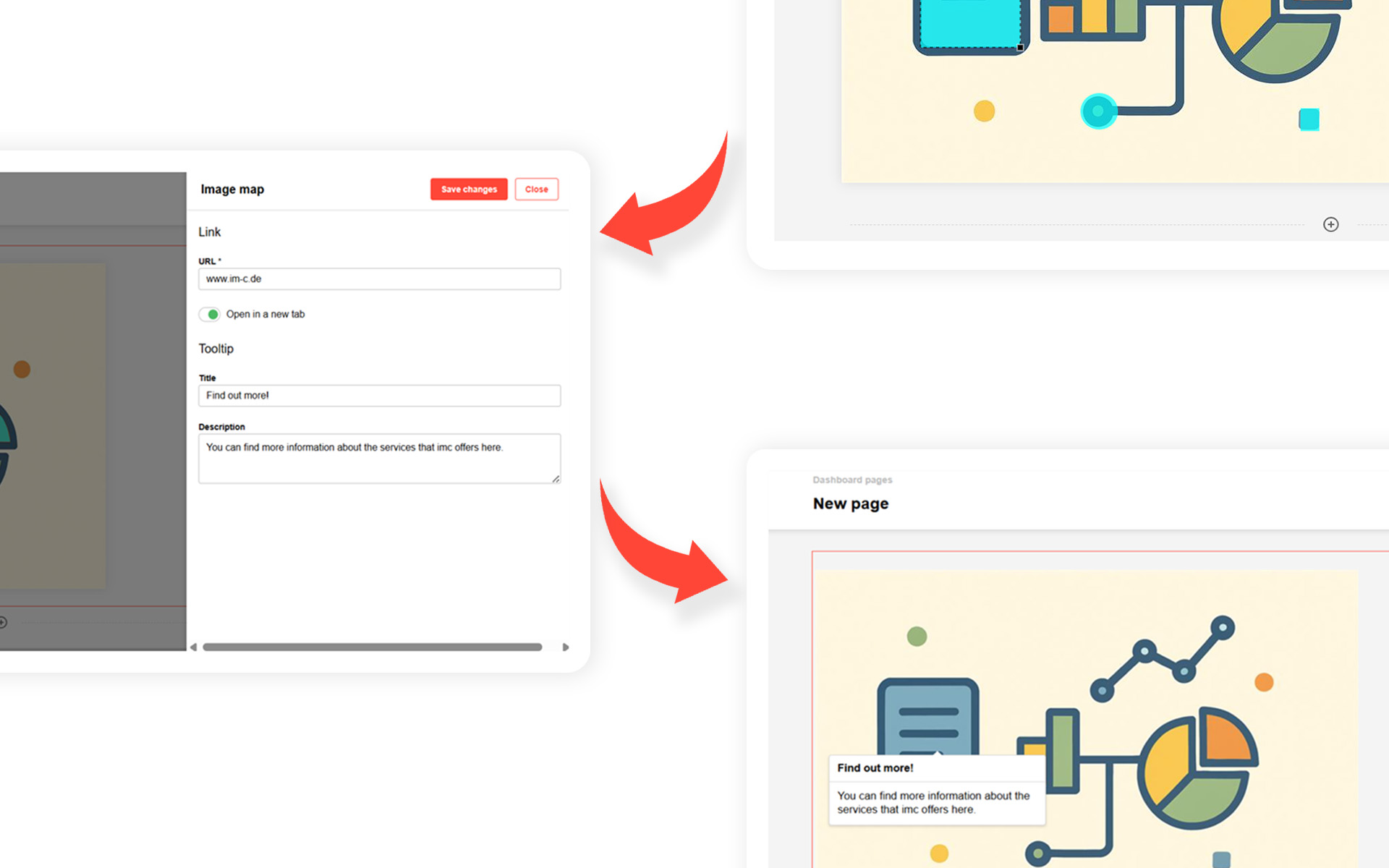
As enterprise learning becomes more complex, static content is often not enough to maintain learner engagement. With the new editor, users can seamlessly integrate in-page panels and create rich, structured content using the built-in text editor. It also enables the upload of documents for display or download, as well as images, which can be enhanced with interactive elements such as hotspots, tooltips, and configurable links for dynamic image maps.
To further support digital learning experiences, hotspots can also include links to internal resources or external URLs, allowing learners to access deeper information instantly.
From this version onwards, learners can simply hover over key elements in visual content to access relevant information, improving clarity and engagement across corporate training programmes.
Key benefit at a glance:
- Creation of visually engaging, interactive learning content with direct access to relevant resources.
Additional enhancements in imc Learning Suite 14.28
- Smarter learning paths in your LMS
Focus on essential training by automatically skipping already completed or validated courses based on test results.
- Admin / Headless API enhancements
Greater flexibility for LMS integrations and headless scenarios, enabling seamless system connectivity.
- Target group rules and enrolment reporting
Improved transparency in automated enrolment processes and target group logic within the LMS.
- Remote SCORM and xAPI content
Support for modern eLearning standards (SCORM & xAPI) and external content delivery networks.
- Global substitute logic for courses
Avoid redundant training by recognising equivalent or previously completed courses.
- Generic token authentication for media types
Simplified and secure access to learning content without additional login barriers.
- Prerequisite status checks in multi-enrollment
Ensure only eligible employees are enrolled in training programmes.
- Improved user and manager controls
Enhanced usability for managing employees, enrollments, and training processes.
- HTML design template generation for notifications and enrollment messages per provider
More appealing and commonly standardised email communication.
- Centralised HTML email templates
Introduced a central HTML template manager in ILS, enabling administrators to create and manage reusable, multilingual email layouts (headers and footers) with WYSIWYG editing, assign them across providers and clients, and ensure consistent branding, improved visual quality, and reduced manual formatting in notifications and enrolment messages.
- Cancellation reason for automatic cancellation for waitlist member on course start date
Better transparency for all enrolment mail recipients on the reason why the cancellation message had been sent.
- Shared seat allocation across multiple learning paths/courses
Higher flexibility for automated seat allocation.
…and much, much more!
We mentioned that there are a lot of new changes, didn’t we? If you would like to see them in action or explore how our enterprise LMS platform can support your organisation, get in touch…our experts will be happy to advise you.