Automatic Course Creation alongside the New Udemy Connector
New features of Innovation Pack 14.20
Innovation Pack 14.20 focuses on enhancing existing functionality, with notable additions such as the newly designed Udemy Content interface, enabled by our latest 3rd party content integration, and the introduction of Automatic Course Creation for Recertification workflows. In addition, significant efforts have been made to refine Channels, enhance course-related workflows, and streamline configuration transitions to the GUI.
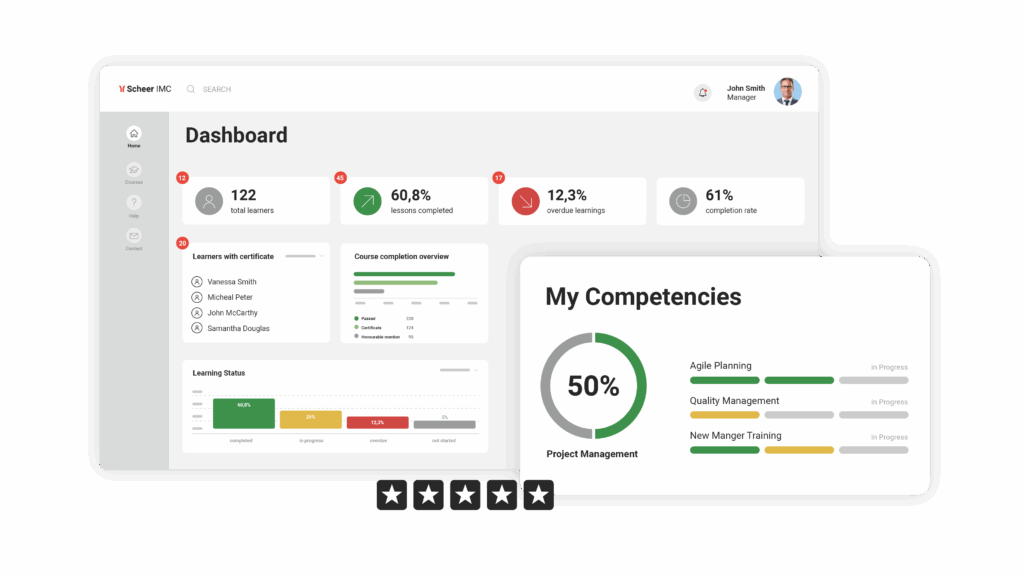
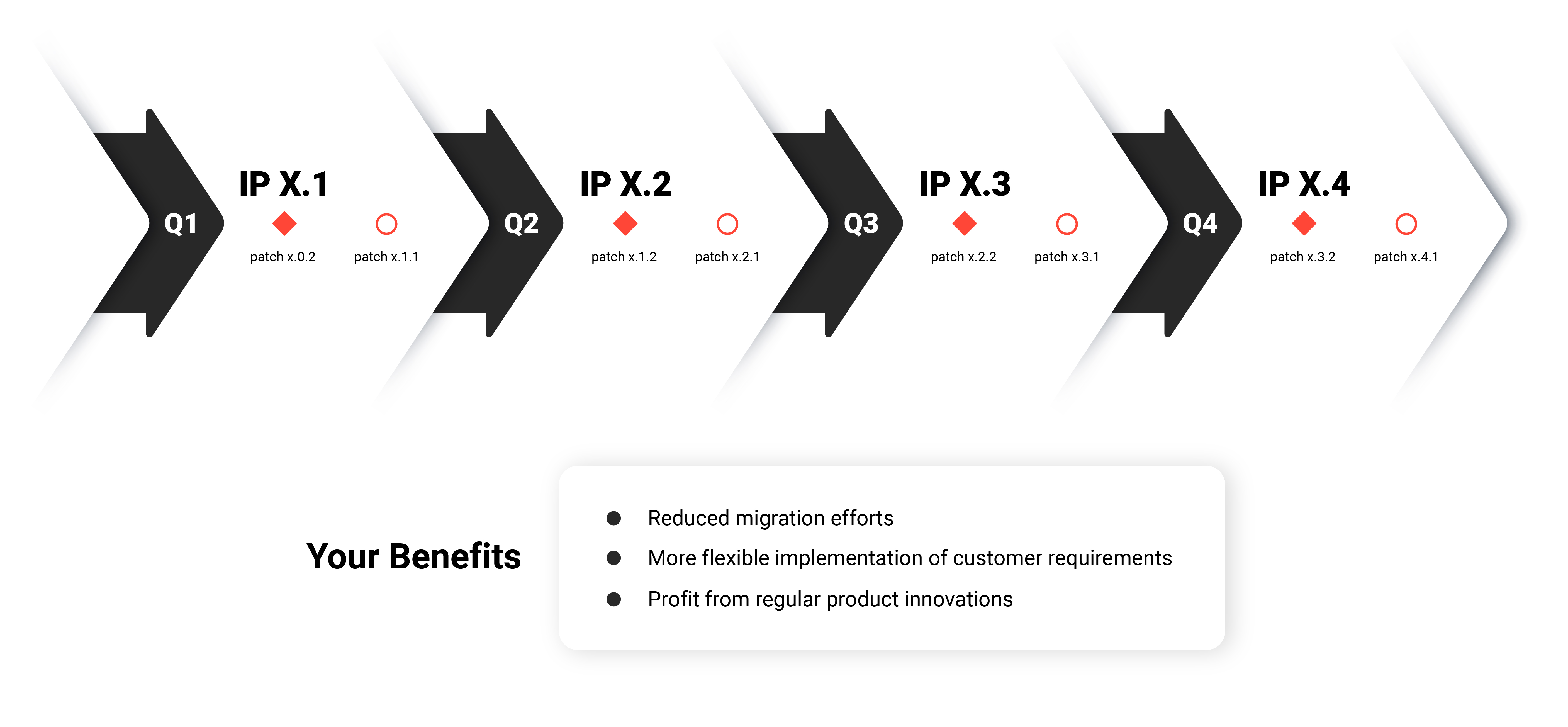
Here's what's new in the Scheer IMC Product Portfolio

Udemy Content Connector
Following multiple customer requests, an integration to the eLearning content provider Udemy has been developed to facilitate the importing of their content into the imc Learning Suite so that the content can be used in courses and catalogues. The integration requires both an imc Udemy content connector licence and an existing Udemy corporate account.
Leveraging the groundwork laid by the 3rd Party Content integration launched with IP 14.19, this interface minimises the effort required for importing third-party content in the platform. The Udemy content integration now compliments existing interfaces to third-party content providers including LinkedIn Learning and Pluralsight.
Benefits
- Direct import of desired Udemy content into the Learning Suite allowing tailoring of content offerings.
- Users access only the Udemy content selected for the imc Learning Suite.
- Learning statuses are exchanged between Udemy and the imc Learning Suite with xAPI.

Automatic Course Creation
Based on valuable customer feedback, we have focused this Innovation Pack on enhancing Recertification workflows. The latest improvement allows administrators to establish automatic course creation workflows within course templates. This feature enables the scheduling of specific times for new courses to be automatically generated, typically aligning with course recertification periods (e.g. every 12 months), simplifying the creation of the entire recertification process. Furthermore, administrators listed on the template will receive notifications when a new course is created or when the planning status changes.
Benefits
- Saving effort to manually monitor and create new courses for each recertification period.
- Reduce the risk of overlooking the creation of new courses for recertification course templates.
- Convenient notifications reminding administrators of new courses, facilitating any necessary adjustments.
- Control over the timing of new course creation and availability, ensuring recertification workflow deadlines are consistently met, with new courses always available.

Further important updates
Within each Innovation Pack, numerous minor innovations are included. Here are some of the notable updates featured in v. 14.20:
- Channels: Enhancements have been made to facilitate content filtering through keyword searches and filters based on language, content type, and author. Additionally, the capability to incorporate LTI 1.3 media types into Channels has been introduced, along with the option to bookmark Channel content for display in the 'Bookshelf' panel. New filtering options have been incorporated to facilitate Classification filters. Moreover, a new system panel has been introduced, allowing users to personalize channel content display. This panel offers two options: displaying the user's subscribed channels or their channel feed.
- Courses: Several minor updates have been implemented in Course functions, including:
- Sorting options for Easy Course Creation by 'Last update' and 'Start date' to enhance searchability.
- Addition of 'Enrol Staff Member' and 'Manage staff enrolment' buttons on course tiles within the 'Available courses' section of course templates.
- Ability to Display Content Provider Logos: Administrators can now add providers' logos directly via metadata on tiles or clients' configuration on course and learning path tiles across various pages, including Catalogue, Personal area, Dashboard, and Learning path syllabus.
- Implementation of sorting courses in templates and course modules within a course by their start date, enabling learners to easily find the next suitable start date of a course.
- Messages sent between Learners and Tutors in courses can automatically have the course title as well as course number added in any email-exchange for clearer identification.
- Configuration The ongoing initiative to migrate all configuration options from backend XML files to the interface/database continues. Numerous high-complexity migrations have been completed, including user data provisioning interfaces (CSV, SAML2, LDAP, and OIDC), Group import configurations (XML import of BU Groups, LDAP import of system groups), and various other configurations or optimizations. While many of these migrated functions may not be familiar to customers due to their technical nature, particularly provisioning interfaces, they hold significant importance. Transitioning them into the GUI helps simplify system configurability for imc consultants, reducing risk of errors, and enabling quicker updates.